Our live lectures are attended by students from different regions and time zones around the world.
To help students keep track of sessions more easily, all lectures are listed on the live session schedule website and connected to Google Calendar.
Understanding Lecture Times ⏰
Lecture times on the live session schedule website automatically display in your local timezone. When viewing the calendar, students should see:
- Lecture dates and times converted to their local timezone
- Upcoming sessions relevant to their region
- Updated event times automatically if travelling or changing timezones
Using the Lecture Calendar 📅
Students can access all upcoming sessions through the live session schedule website.
By clicking on a lecture session and selecting “More Details,” the event will open in your Google Calendar where you can:
- View the lecture information
- Access the joining link
- View updates or changes to the session
- Access recordings once available
Subscribing to the Lecture Calendar 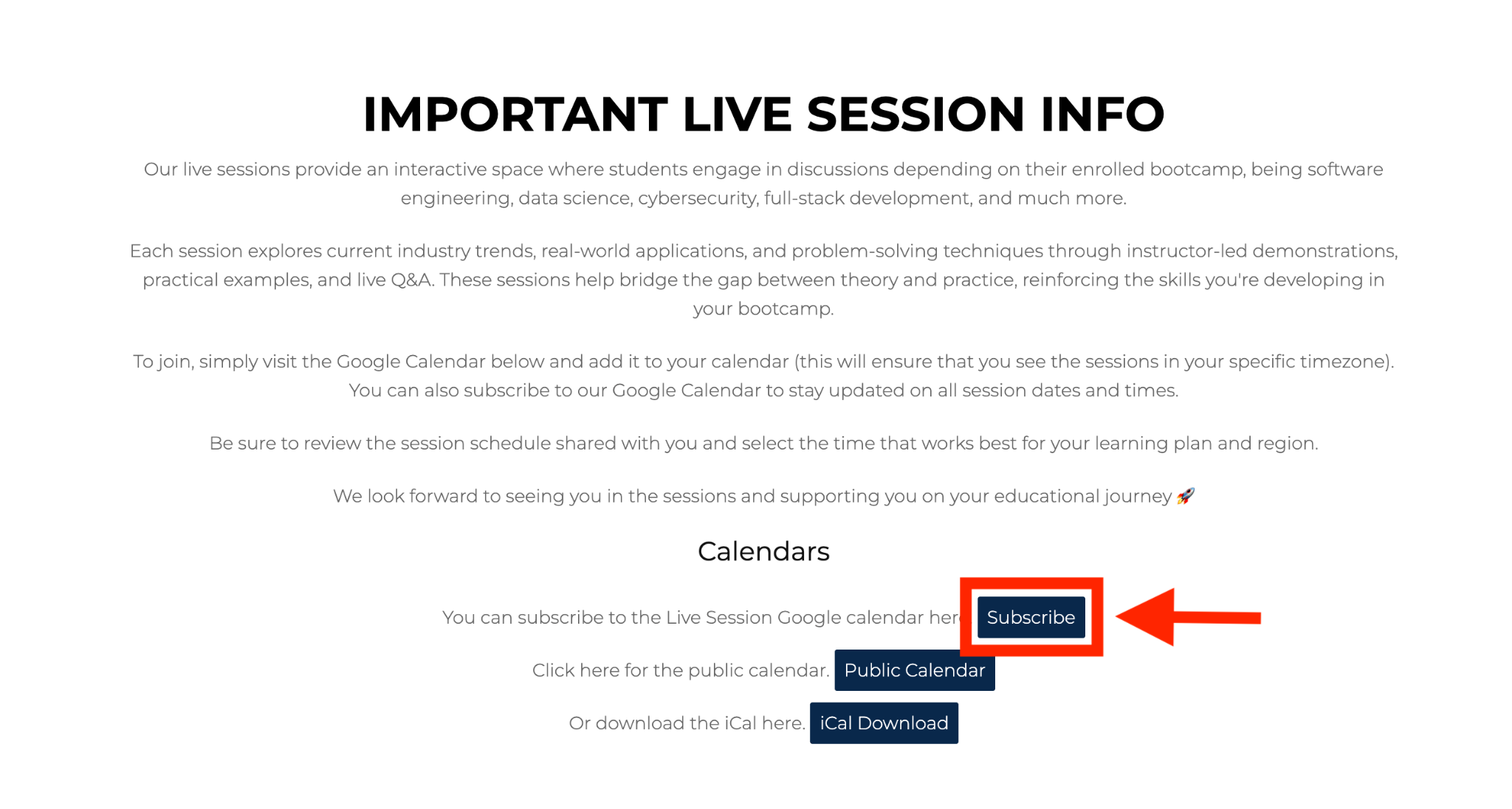
Students are encouraged to subscribe to the lecture calendar. Subscribing allows you to:
- Automatically sync lectures to your personal calendar
- Receive updated lecture times
- View sessions in your local timezone automatically
- Access recordings directly from previous lecture events
Checking Your Device Timezone 🕰️
If lecture times appear incorrect, please check that:
- Your device timezone is set correctly
- Automatic timezone updates are enabled
- Your browser has permission to access your local timezone settings
Most modern browsers and devices update this automatically.